
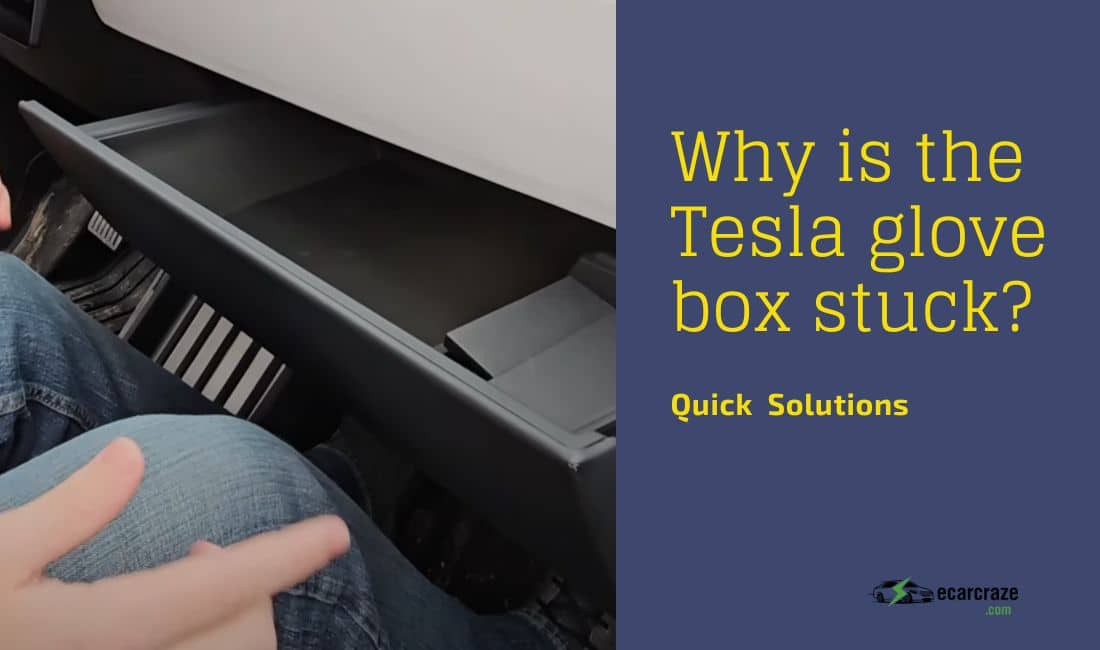
We bet your Tesla’s glove box is used as the compartment for essential documents, small personal belongings, etc. So, if it gets stuck, you will be frustrated.
But why is the Tesla glove box stuck? The reasons are that the glove box PIN needs to be reset, there are mechanical issues, the latch is stuck, and software updating is needed. In rare cases, if the system is not working, it can obstruct the glove box from opening.
If it is orienting the clicking noise but not opening, then any of the above issues are responsible. Here, we discuss these issues and solutions in detail.
Quick Summary of Causes and Solutions on Tesla Glove Box Is Stuck
Here, we provide a brief overview of the causes that are making the glove box stuck, along with the solutions.
| Causes | Solutions |
| A glitch in the Tesla glove box auto control | Reset the 4-digit code |
| Latch is stuck | Use a putty knife to open it |
| Mechanical failure | Use a Hex pin to open the glove box manually |
| Delayed software update | Connect your Tesla’s system to a reliable WiFi |
Tesla Glove Box Is Stuck: Detailed Reasons and Solutions

In general, on the touchscreen of a Tesla, there is an icon named “open glove box.” Pressing that one usually opens the box. But when it gets stuck, this usual process won’t work. Let’s discuss the reasons behind it in detail and get their solutions.
A Glitch in Tesla Glove Box Auto Control
To ensure the safety and security of your personal items, Tesla allows you to use a 4-digit PIN code to open the box. This PIN acts like the locker key for the glove box. Sometimes, technical glitches within the software won’t allow the PIN to function.
Following this, the box does not open when you insert the PIN. Resetting the glove box PIN is the option here.
How to Solve
The following is the 4-digit PIN resetting guideline.
- Step 01: Press the Tesla icon on the touchscreen of your Tesla. It will come up with various options.
- Step 02: Go to the option named “Quick Controls” by selecting Settings.
- Step 03: Under this setting option, you have to choose “Safety & Security,” then identify the button named “Glove Box PIN bar.”
- Step 04: Activate the Glove Box PIN option by inserting the passcode.
- Step 05: Locate and click on “Enter Your Tesla Account Credential.”
- Step 06: Follow the on-screen instructions to reset the Glove Box Lock by entering your Tesla Account using your Email Address and Password.
- Step 07: Finally, confirm the changes by clicking the confirm bar. The glove box PIN resetting is done. The issue is fixed.
Latche Are Stuck
The glove box’s latching assembly consists of a mechanism that includes three plastic molded components and a spring. Within this mechanism, there is an offset latch member.
This one enables the assembly’s door to open and close to one end of a glove box door. If the glove box repeatedly fails to open, then the offset latch is blocked.
How to Solve
The following is the stepwise guide to resolve the stuck latches.
- Step 01: Manage a putty knife and position it at the corner of the dashboard.
- Step 02: Apply firm pressure to the release button.
- Step 03: Keep the putty knife on the corner while pressing the button.
- Step 04: After a few seconds, the latch should be unlocked. Following this, the glovebox gets unlocked.
If you are facing any issue with charge port latch, check out our guide on resolving Tesla charge port latch issues.
Mechanical Failure
If the glove box’s mechanism is out of order, then it will not open normally. It is a critical case. To open it, you have to put some pressure on the external part. You can do it with a hex PIN.
How to Solve
Below is the step-by-step guideline to resolve the out-of-order mechanism of the Tesla glove box.
- Step 01: Identify the side panel adjacent to the passenger seat.
- Step 02: Take out the front cover, concealing the designated area on the side panel. It is used as a clipping method to be attached and can be removed using either a pry bar or your hand.
- Step 03: Choose a slim and small hex pin suitable for the hole. For your Tesla, a Klein Tools 70591 hex pin is the perfect match.
- Step 04: Locate the hole in the designated side panel region. Now, insert the hex pin into the hole at an upward angle and continue applying pressure until the glove box door unlocks.
- Step 05: Take out the hex pin when the glove box door opening is done.
- Step 06: We suggest seeking professional assistance to fix the mechanism. Otherwise, it will get stuck again. And using the hex pin to open the box is frustrating.
Software Update Issue
Tesla’s functions and features are highly dependent on the software. These softwares get regular updates. If your Tesla is using the built-in internet connection only, the software update gets delayed as this connection is not that good.
Here, the delayed update of the software obstructs many of Tesla’s functions from working properly, including the glove box opening and closing.
If you are trying to update your Tesla software but it is stuck, check out our guide on the reasons and fixes for Tesla Software Update Stuck.
How to Solve
Park your Tesla at a place where your car’s system can get connected with strong WiFi. As soon as it receives good internet signals, the software updating will promptly start automatically.
Finally, after the completion of the update, the glove box will open without any issues. It will open smoothly.
Check out this YouTube video to learn more about opening Tesla’s glove box manually.
People Also Ask
Here, we answer some of the very usual questions that Tesla owners like you ask regarding the glove box opening issue.
Begin by pressing the T (Tesla logo) at the bottom section of the touchscreen. Once there, go to Quick Controls, where you’ll find the “open glove box.” Click on it, and it will unfold the glove box responding to your command.
Regularly update your vehicle’s software, avoid overloading the glove box, and store your car in moderate temperatures to minimize potential problems. These three actions can prevent glove box stuck issues.
It depends on the warranty status and the specific cause of the issue. Check with Tesla’s warranty policies for clarification. Also, it is better to contact Tesla customer care to get an accurate answer at the first point.
Final Words
We hope that now you have a clear idea about why your Tesla glove box is stuck. By applying the above-mentioned guidelines, you will resolve the issue. However, while using the hex pin or any flat bar, we suggest you do not put too much pressure.
The glove box setting is sophisticated, and it is not capable of handling excessive force. So, there is a chance of a broken issue’s orientation. Finally, if the issue persists, it’s better to contact Tesla service or visit a Tesla service center for professional assistance.

I am an experienced guide in electric mobility, offering clear and expert guidance for those venturing into the world of electric vehicles.
Through collaborations, research, and hands-on experience, I navigate readers through the evolving landscape of smart automobile technologies and the significance of renewables.