
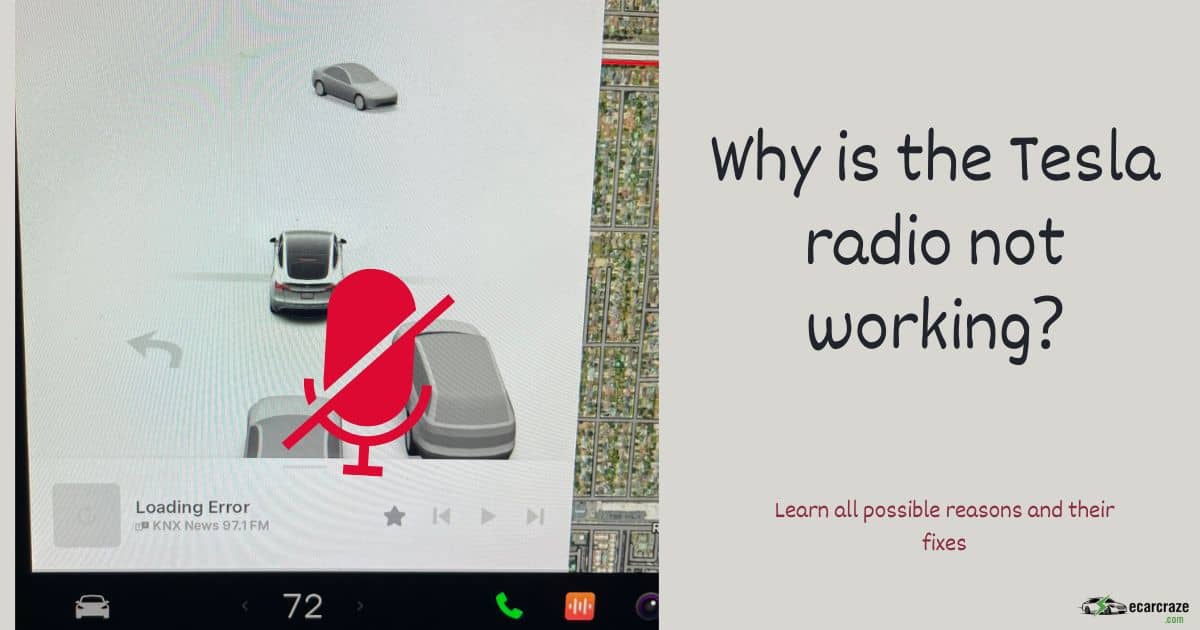
After paying a hefty sum for a cool EV, you expect things to work smooth like butter. But as Tesla cars have complex electrical systems, the radio can sometimes malfunction. In most cases, there will be no sound from the radio, or the radio won’t tune properly.
So, why is the Tesla radio not working? Tesla radio might not work if you have accidentally muted the radio. A faulty tuner or a broken antenna can also cause the problem. Sometimes, interference or signal problems will cause the radio not to work.
You need to learn all possible reasons and their fixes to enjoy the radio without any disturbance. Let’s do it.
Tesla Radio Not Working: Reasons and Solutions

The radio on your Tesla might not work for the following reasons. I provided detailed solutions for each problem. Check them thoroughly.
1. The Radio Is Muted
Your passengers can sometimes scramble your audio settings. If the radio volume is muted, you will get no sound from the radio. Even if the radio is tuned correctly, you might assume that the radio is not working. This has an easy solution.
Turn the Volume Up
- You can increase the volume of the audio system in two ways.
- The easiest way is to use the left scroll wheel on your steering. Scroll the wheel upward to increase the audio volume. If the radio is tuned properly, you will hear it now.
- Another way is to use the volume icon on the main screen. You can tap the “+” icon to increase the volume as per your preference.
2. Software Bugs or Outdated Software
If your Tesla software isn’t up-to-date, the radio can malfunction. Each system in your vehicle depends on the firmware. So, the latest firmware update is crucial to keep the systems up and running.
Sometimes, the radio can malfunction even after an update. In that case, a bug can cause the problem. Check its solutions below.
Update the Software
- From the main screen, you should go to “Controls.” Then, tap on “Software.”
- On the right side of the screen, you will get Software Update functions. From there, tap on “Check for updates.”
- Download any available update and install it. After that, perform a soft reboot.
- To reboot the system, press the brake pedal and hold it. Then, press the two scroll wheels on the steering wheel and hold them too. Wait until the screen turns off.
- Release the brake pedal and wait for about 2-5 minutes. Don’t touch anything in the meantime. Then, press the brake pedal to turn the screen on. After the reboot, your radio should work properly.
- If the radio still doesn’t work, there might be a bug. You need to wait for the next update if there isn’t any other reason.
If you’re experiencing a stuck Tesla software update, refer to our guide: Dealing with a Frozen Tesla Software Update.
3. Infereference or Signal Problems
Sometimes, there might be no apparent faults with the radio system. Still, the radio seems not to work. If the radio worked when you started the drive, it is most probably a signal problem. There can be some locations where no radio station has their coverage.
Besides, there can be interference in the signal. For these reasons, the radio won’t tune correctly.
Wait for Some Time, or Use Direct Tune
- Continue driving until you get past the area with interference or no radio signal. See if the radio starts working afterward.
- If you know the frequency of a specific station, you can directly input that frequency. Check if the station can be tuned this way. If you don’t know the exact frequency of a station, you can search for that.
- The radio has a search function where you can enter the name of the radio station, and it will show the frequency.
Discover what steps to take if your Tesla’s Bluetooth audio functionality is malfunctioning by exploring our comprehensive guide, “Troubleshooting Tesla Bluetooth Audio Problems.”
4. Faulty Antenna
The FM antenna on your Tesla is located on the rear windshield. If the antenna malfunctions or gets damaged, the Tesla radio won’t work properly. Unfortunately, this isn’t a problem that you can solve on your own.
Contact the Tesla Service Center
- You should book an appointment at the Tesla service center. Only certified technicians can check this issue and fix the antenna.
5. The Radio Fuse Is Faulty
Like other vehicles, your Tesla has various fuses for different purposes. If the radio fuse is blown, the radio won’t work. Identifying this problem and fixing it can be a bit tricky, but I am going to guide you through it.
Check the Fuse and Replace It
- Park your vehicle in a safe place. Then, pop the frunk.
- Remove the top panel to expose the fuse box.
- Check the diagram on the fuse box to locate the radio fuse. You can also check the owner’s manual to find the right fuse.
- Take the fuse off with a pliers and check if it is blown. If so, you need to replace it with a new fuse of the same amperage. It can cost about $50.
- After replacing the fuse, close the top panel and check if the radio is working properly.
This video can help you out:
6. The Radio Tuner Is Faulty or Damaged
The radio in your Tesla has a physical tuner. It is located behind the rear seat. If the wiring on the tuner is faulty, the radio might not work. The tuner may also have water damage or physical damage, which causes the radio to malfunction.
If the tuner has water or physical damage, it will not be smooth while tuning.
Get the Tuner Fixed or Replaced
- It is something that you shouldn’t handle on your own because it requires removing multiple components.
- You should contact the Tesla service center to get the radio tuner fixed or replaced.
7. The Speaker Is Bad
If everything seems to work fine, but still there is no sound from the radio, the speakers are most probably bad. You can confirm it by playing some audio. The speakers are definitely bad if they produce no sound at all.
Replace the Speakers
- Only the certified technicians by Tesla can handle such replacements. So, you should contact the nearest service center and get your speakers fixed.
8. The Radio Unit Itself Is Broken
The radio unit in your Tesla can sometimes break down, especially if the vehicle is old. Driving on rough terrains can cause physical damage to the radio unit. In that case, the radio won’t work.
Get the Radio Replaced
- You should book an appointment with the Tesla service center and get it replaced.
FAQs
Check the answers to some frequently asked questions about faulty radio on Tesla.
The Tesla radio can take more than normal to tune if there is interference or signal problems. In that case, the radio will keep spinning.
Yes. Sometimes, the screen may be frozen for a software issue. In that case, the radio will not work properly.
You should wait for the next security patch from Tesla. Besides, you can contact Tesla support to resolve the issue.
Final Thoughts
Listening to the radio while driving your Tesla may be a soothing experience. But, a few problems can hamper that experience, including software and hardware issues. Knowing about the problems and their fixes is crucial. So, why is your Tesla radio not working?
In most cases, the issue can be with the volume or outdated software. Bugs can also cause the problem. If the radio doesn’t get fixed after increasing the volume or updating the software, there might be hardware issues. You should contact the Tesla service center to resolve hardware issues as they require specific expertise.

I am an experienced guide in electric mobility, offering clear and expert guidance for those venturing into the world of electric vehicles.
Through collaborations, research, and hands-on experience, I navigate readers through the evolving landscape of smart automobile technologies and the significance of renewables.